WebXR Planetarium for K–12

The universe,
in every classroom

Turn any phone, tablet, or VR headset into an immersive planetarium. Teacher-guided astronomy shows your students will never forget.

Request a Demo See how it works
Explore

Most planetarium software was built for desktops in the 2000s. Skytarium was built for the way classrooms work today — real-time, device-agnostic, and ready in seconds.

Immersive Experience

8,920 real stars. Mythological overlays. NASA imagery.

Every star placed from the Hipparcos catalog with true color and magnitude. 88 constellations come alive with mythological artwork overlaid on the sky — Orion the Hunter, Ursa Major, Cassiopeia's throne. Paired with NASA deep-space imagery of nebulae, galaxies, and planetary surfaces.

Orion constellation with mythological overlay art against a real starfield

Virtual Reality

Step inside the night sky.

Students look up and the Milky Way stretches overhead. They turn around and Scorpius rises behind them. WebXR delivers a full 360° planetarium on Google Cardboard, Meta Quest, AR glasses, or any smartphone — no app install, no downloads, no waiting.
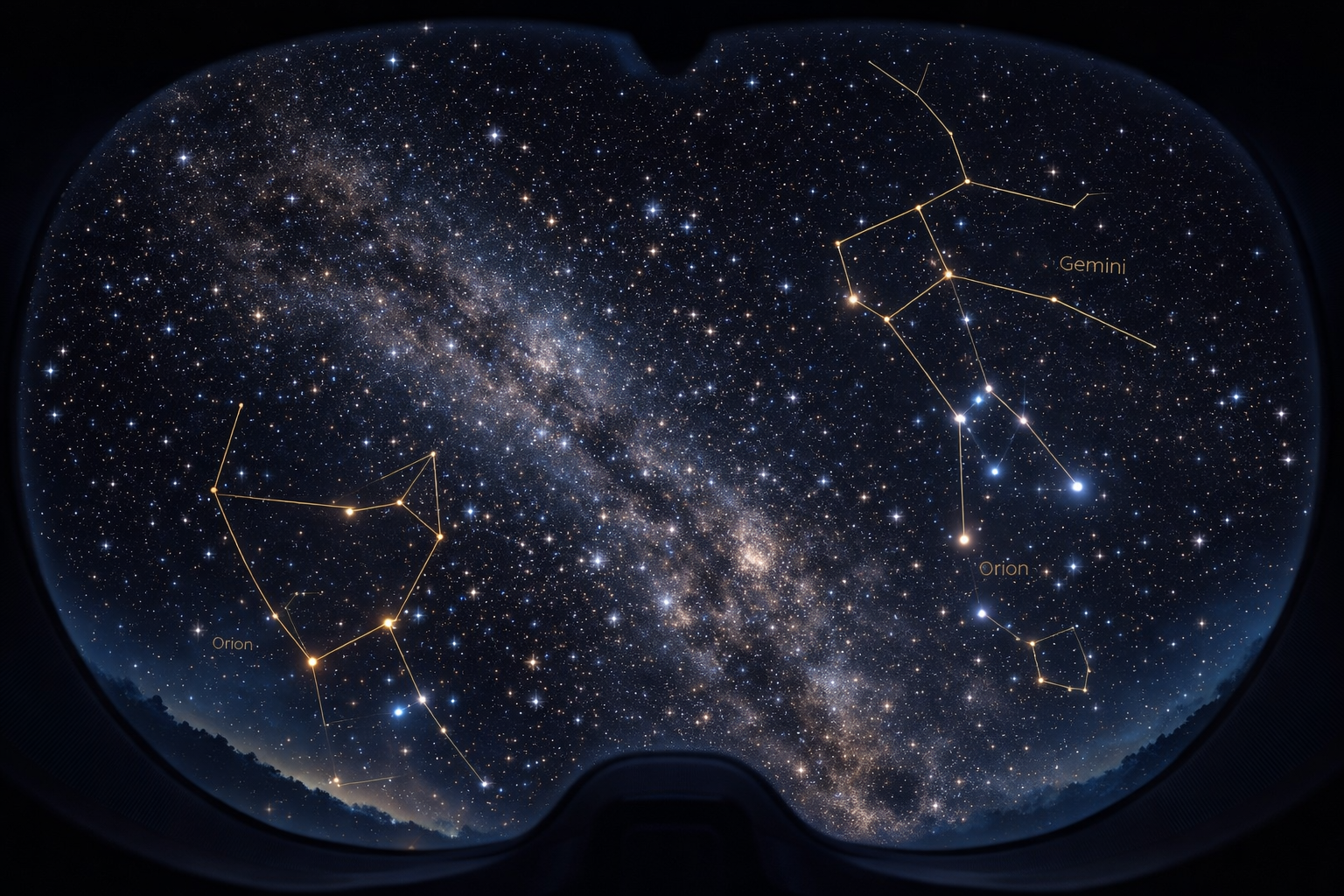
Student wearing VR headset immersed in a 360-degree starfield planetarium

Teacher Control

You lead. Every device follows.

Your dashboard syncs narration, camera movement, and constellation highlights to every student device in real time. Run a guided tour of the winter sky with NASA video segments, or let students explore freely — you're always in control.
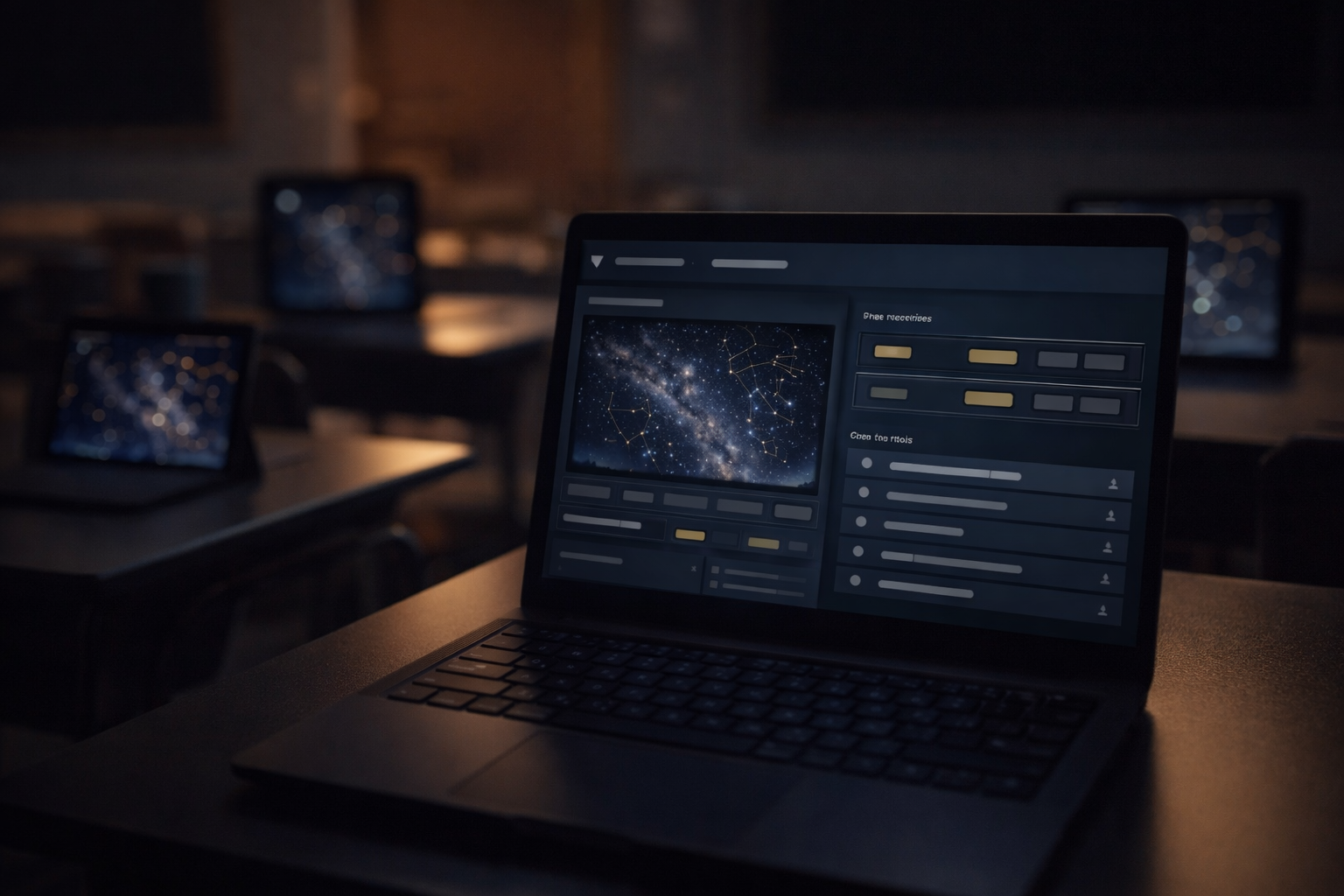
Teacher dashboard controlling synchronized planetarium experience across classroom devices

Any Device

No app. No install. Just a link.

Skytarium runs in the browser. Students open a link and they're inside the planetarium. Works on smartphones, tablets, Chromebooks, Google Cardboard, Meta Quest, Rokid AR glasses — anything with a screen and a browser.
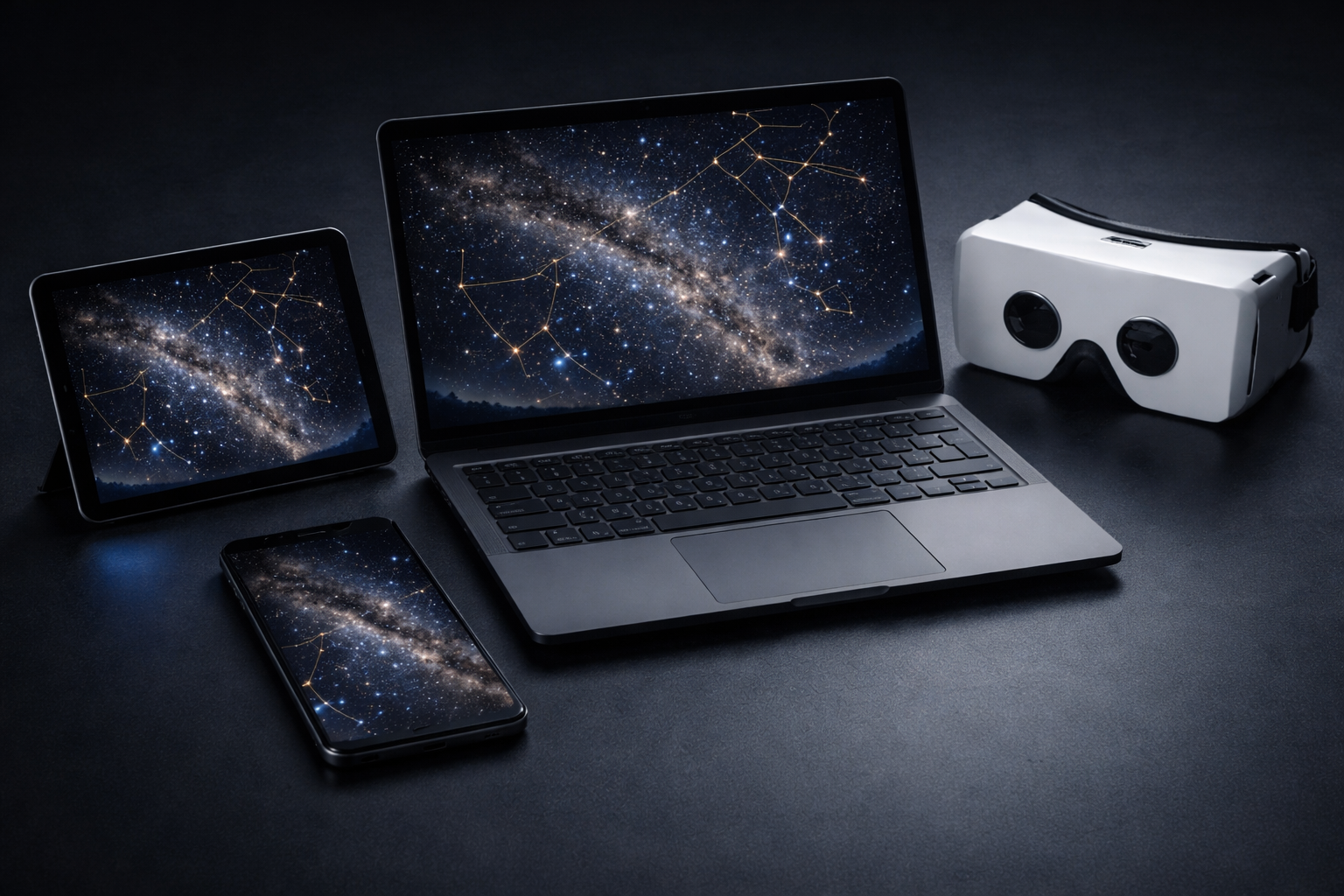
Multiple devices showing synchronized planetarium view
8,920
Real stars from Hipparcos
88
Constellations mapped
0
Student data collected
<30s
Setup time per class

Three steps to liftoff

i

Open & Share

Open the teacher dashboard. Share the room code with your class — students join instantly on any device.

ii

Guide the Sky

Choose a show or take manual control. Narrate constellations, point to stars, trigger visual highlights — every device follows in sync.

iii

Explore Together

Let students look around freely in VR, or keep the class locked to your view. Switch modes with one click.

Zero student data. By design.

Skytarium collects no student names, no emails, no tracking data. Students join with a room code — that's it. No accounts, no PII, no procurement headaches. Deploy to your school in days, not months.

Ready to bring the
night sky indoors?

Leave your info and we'll set up a private demo for your school.